Hello! I just set up my Edge Impulse account today and I’m trying to create a gesture recognition project. I’m unable to connect my SiLabs xG24 board to my project after following the steps outlined in the official documentation.
Currently, I have done the following:
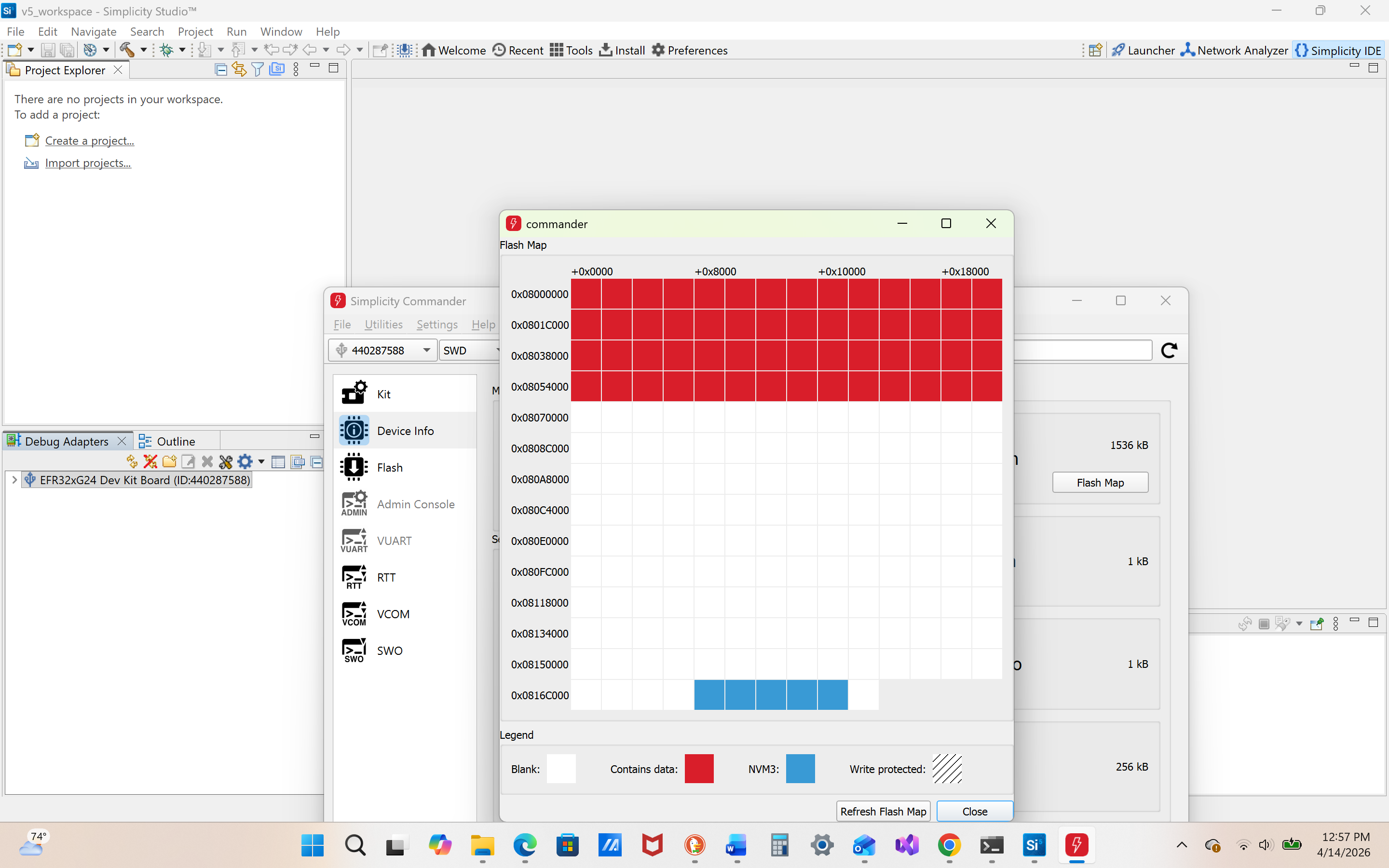
- I flashed the latest Edge Impulse firmware to my microcontroller and confirmed that it flashed successfully and that my board is broadcasting.
- I downloaded all of the software required for Edge Impulse CLI.
- I ran the required script(s).
I’ve included the results I was seeing in the command terminal below. I get this code every time I run the required scripts.
My project ID is 953115 and I am using a Windows 11 OS.
My command terminal results are below:
C:\Users\Kailey>edge-impulse-daemon
Edge Impulse serial daemon v1.37.3
Endpoints:
    Websocket: wss://remote-mgmt.edgeimpulse.com
    API:       https://studio.edgeimpulse.com
    Ingestion: https://ingestion.edgeimpulse.com

[SER] Connecting to COM3
[SER] Serial is connected, trying to read config...
[SER] Failed to get info off device Timeout when waiting for >  (timeout: 5000) onConnected
[SER] Serial is connected, trying to read config...
[SER] Failed to get info off device Timeout when waiting for >  (timeout: 5000) onConnected
Result of trying to run daemon code
C:\Users\Kailey>npm install -g edge-impulse-cli --force
npm warn using --force Recommended protections disabled.
npm warn deprecated @zeit/dockerignore@0.0.5: "@zeit/dockerignore" is no longer maintained
npm warn deprecated npmlog@4.1.2: This package is no longer supported.
npm warn deprecated are-we-there-yet@1.1.7: This package is no longer supported.
npm warn deprecated prebuild-install@7.1.3: No longer maintained. Please contact the author of the relevant native addon; alternatives are available.
npm warn deprecated prebuild-install@5.3.6: No longer maintained. Please contact the author of the relevant native addon; alternatives are available.
npm warn deprecated @xmldom/xmldom@0.8.10: this version has critical issues, please update to the latest version
npm warn deprecated gauge@2.7.4: This package is no longer supported.
npm warn deprecated tar@6.2.1: Old versions of tar are not supported, and contain widely publicized security vulnerabilities, which have been fixed in the current version. Please update. Support for old versions may be purchased (at exorbitant rates) by contacting i@izs.me
npm warn deprecated glob@10.5.0: Old versions of glob are not supported, and contain widely publicized security vulnerabilities, which have been fixed in the current version. Please update. Support for old versions may be purchased (at exorbitant rates) by contacting i@izs.me

changed 506 packages in 34s

47 packages are looking for funding
  run `npm fund` for details
Results I got when I ran code to install additional tools for node.js
Any help would be appreciated! Thank you!