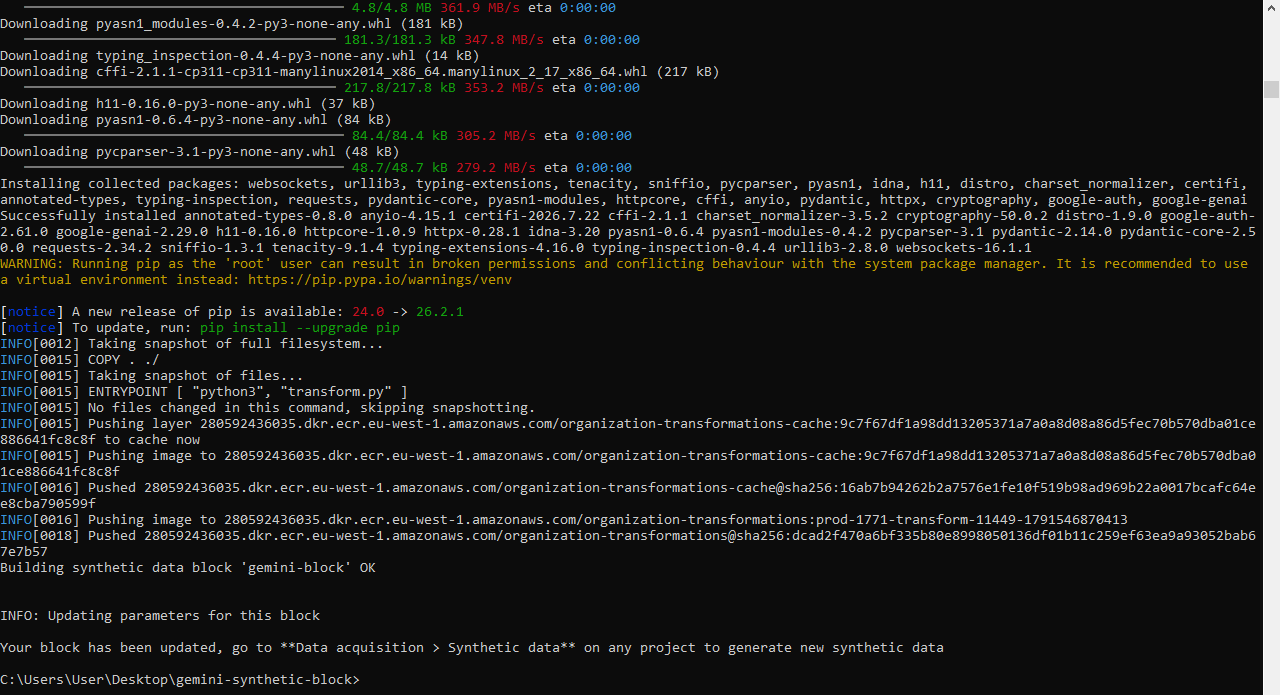
Hi everyone,
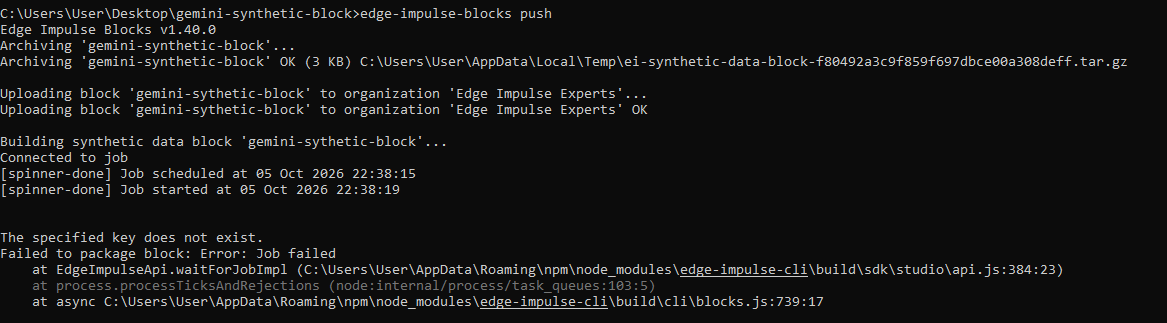
I’m trying to build a Custom Synthetic Data block and push it to my
organization (Edge Impulse Experts, org ID 1771), but the CLI fails
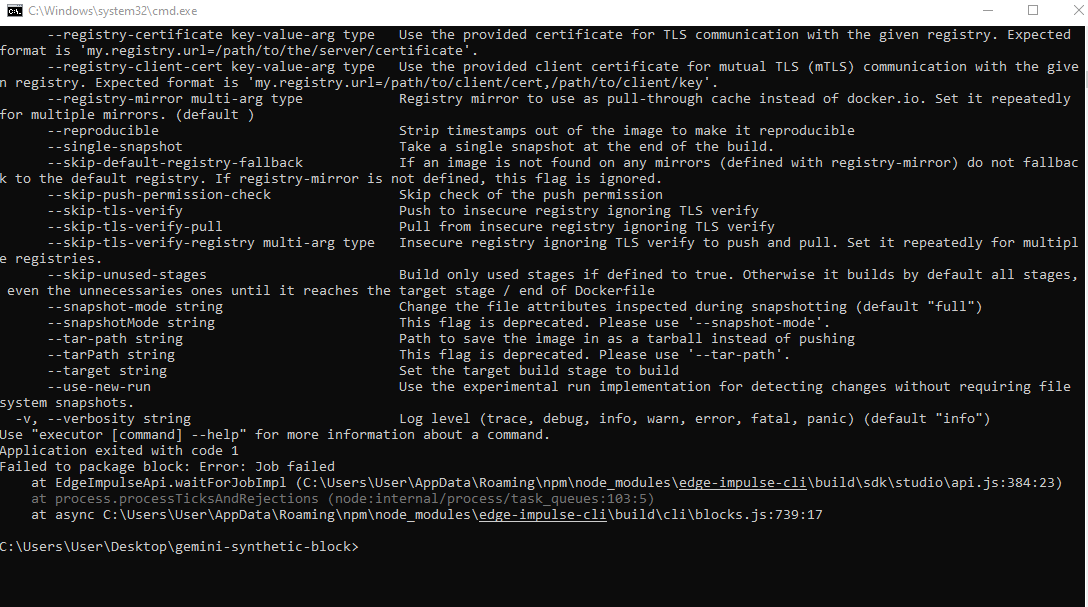
with this error:
Failed to authenticate with Edge Impulse: This endpoint requires an organization API Key ؟؟؟
What I’ve tried:
- Installed edge-impulse-cli v1.40.0 successfully on Windows 10.
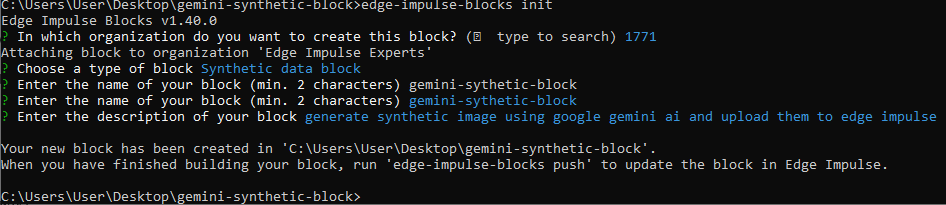
- Ran edge-impulse-blocks init and created a Synthetic Data block
named “gemini-synthetic-block”. - Ran edge-impulse-blocks push — failed with the error above.
I checked the organization settings in Studio, but I only see a
Project-level API Key (role: Ingestion). There’s no Organization API
Key available to me.
Questions:
- Do I need an Organization API Key to build custom blocks?
- If yes — how can I get one? I’m a member of the “Edge Impulse
Experts” organization, but I may not have Admin permissions. - Is there another way to push custom blocks from a member account?
Environment:
- OS: Windows 10
- CLI version: 1.40.0
- Block type: Synthetic Data
- Organization: Edge Impulse Experts
Thanks for any help!