Question/Issue:
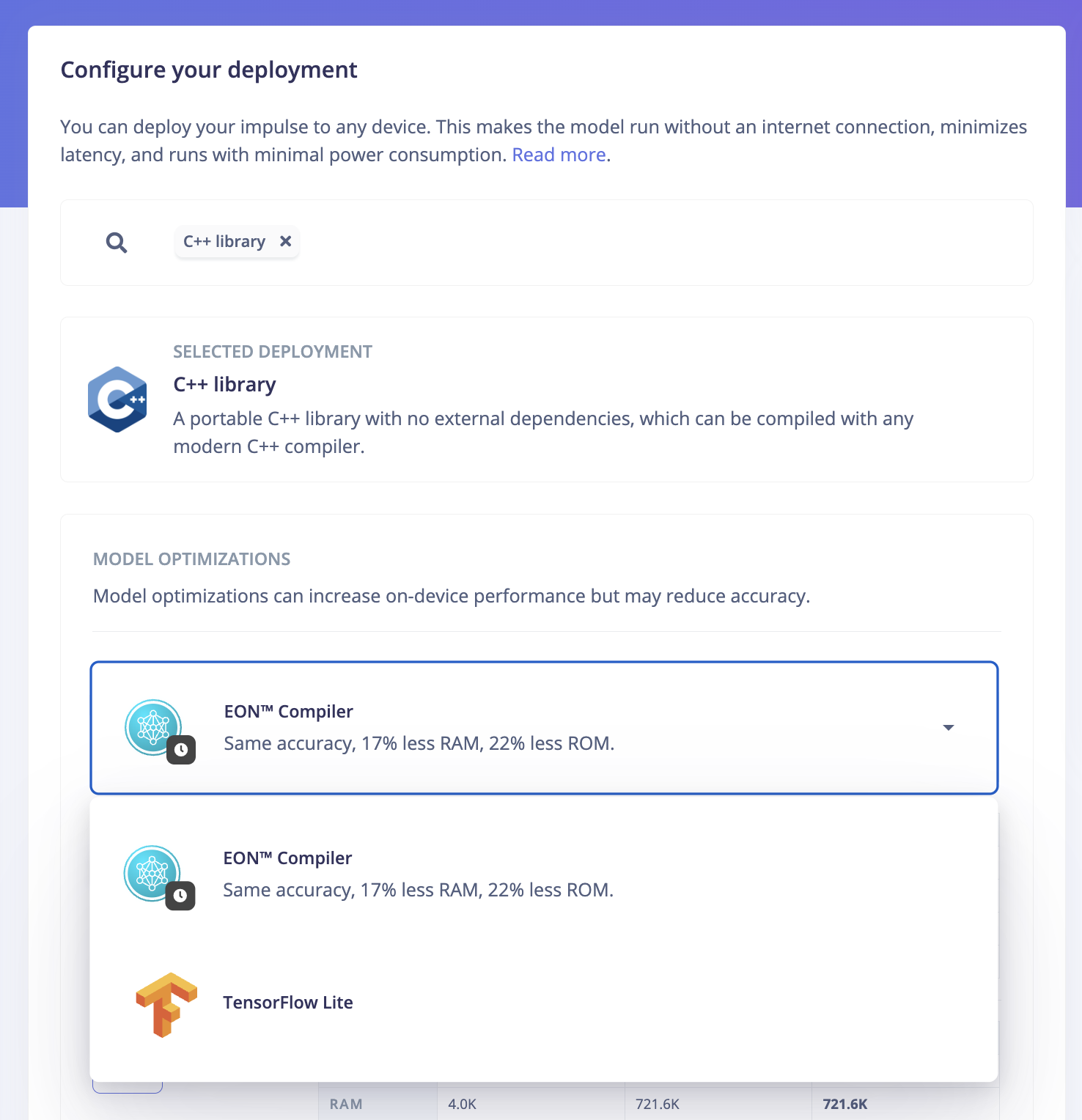
Unable to find the TensorFlow Lite option in the deployment page
Project ID:
819467
Context/Use case:
I need the TFT deployment with python sdk.Because with this only I can complete my project,
Summary:
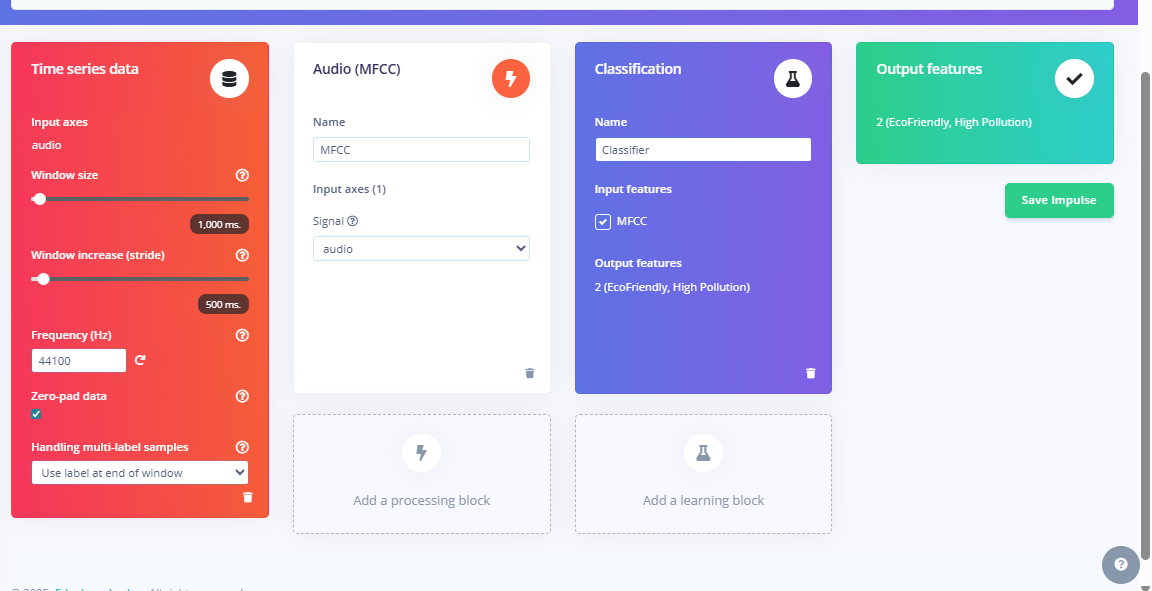
I have tried multiple ways to deploy my model as TensorFlow Lite but none of them have worked.Even I have tried to install the edge impulse globally using the cmd.But there was no use in that.I have trained a model on audio classification(MFCC)+Neural Network.Please do something I don’t have enough time.
Steps to Reproduce:
- [Step 1]
- [Step 2]
- [Step 3]
Expected Results:
Want to see the TFT option in deployment option
Actual Results:
I was unable to see the TFT option in that