Measuring the dimensions of a cuboid using a mobile camera

Hi Edge Impulse team,

I am working on a computer vision project where I need to detect a cuboid object and calculate the physical lengths of its edges.

In the attached images, you can see the side and top faces of the object. My goal is to:

  1. Detect and calculate the lengths of all 4 edges of the front face from one image.
  2. Detect and calculate the lengths of all 4 edges of the top face from a second image.

Could you point me in the right direction or suggest a pipeline on how to achieve this using Edge Impulse? I am ready to implement this, regardless of the technical difficulty.
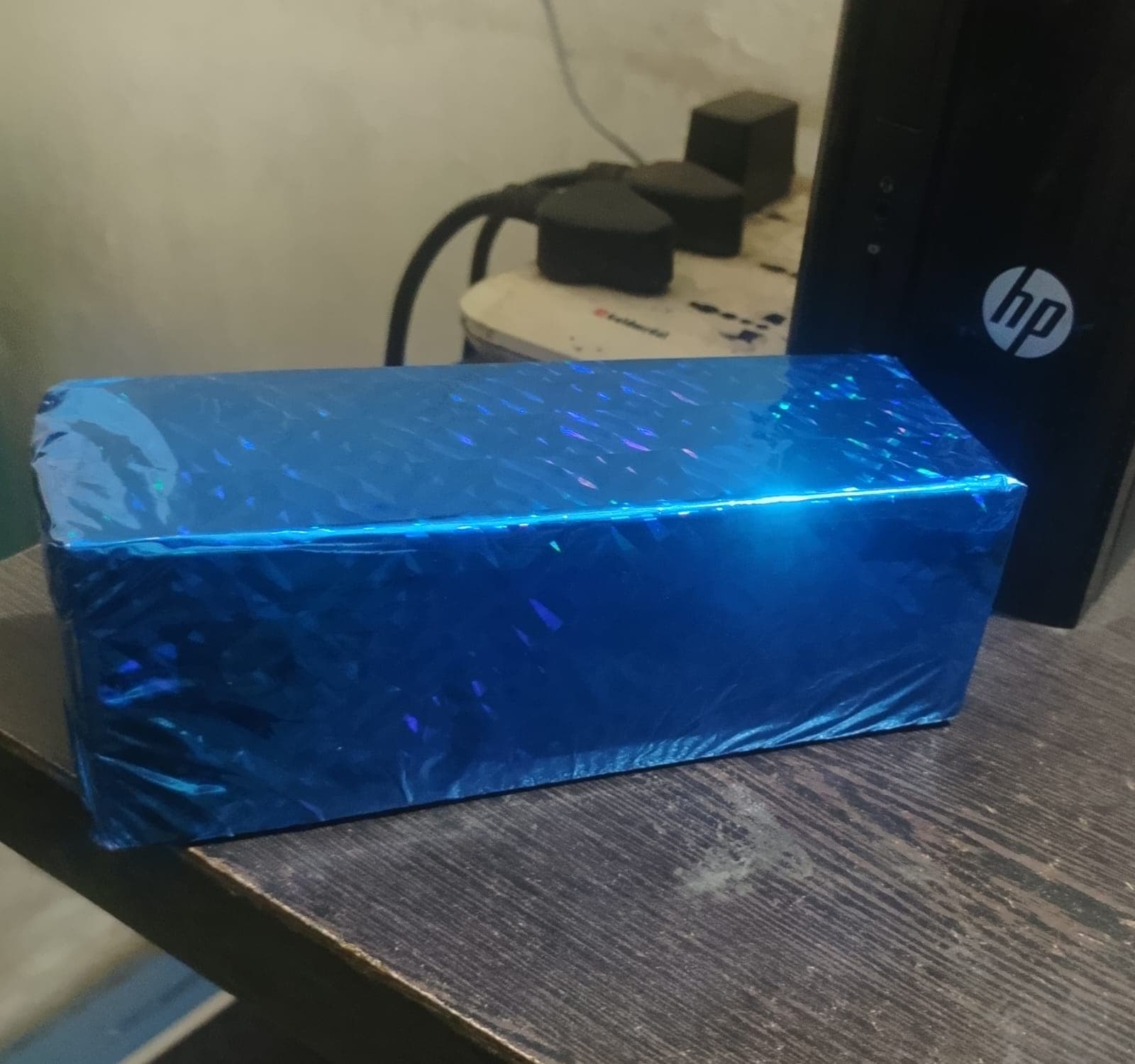
Thank you!
image

Hi @premappleton,

Edge Impulse can help with detecting the object, it’s faces, and it’s corners, but the edge-length calculation should be done in post-processing.

A possible pipeline could be something like…

  1. Train a vision model to detect the visible corners of the cuboid face, using a generic label such as corner.
  2. For each image, detect the 4 corner points of the front or top face.
  3. In application code, order those points geometrically into the correct quadrilateral.
  4. Calculate pixel distances between adjacent corners.
  5. Convert pixels to real-world units using camera calibration, a fixed camera setup, or a known-size reference object.

You could also try to implement the pipeline solely with OpenCV, OpenCV’s homography documentation shows using corner points to map and correct a planar object view:
https://docs.opencv.org/4.13.0/d1/de0/tutorial_py_feature_homography.html

For accurate physical measurements, camera calibration is also important to correct lens distortion and relate image points to real-world geometry:
https://docs.opencv.org/4.13.0/dc/dbb/tutorial_py_calibration.html