Question/Issue:
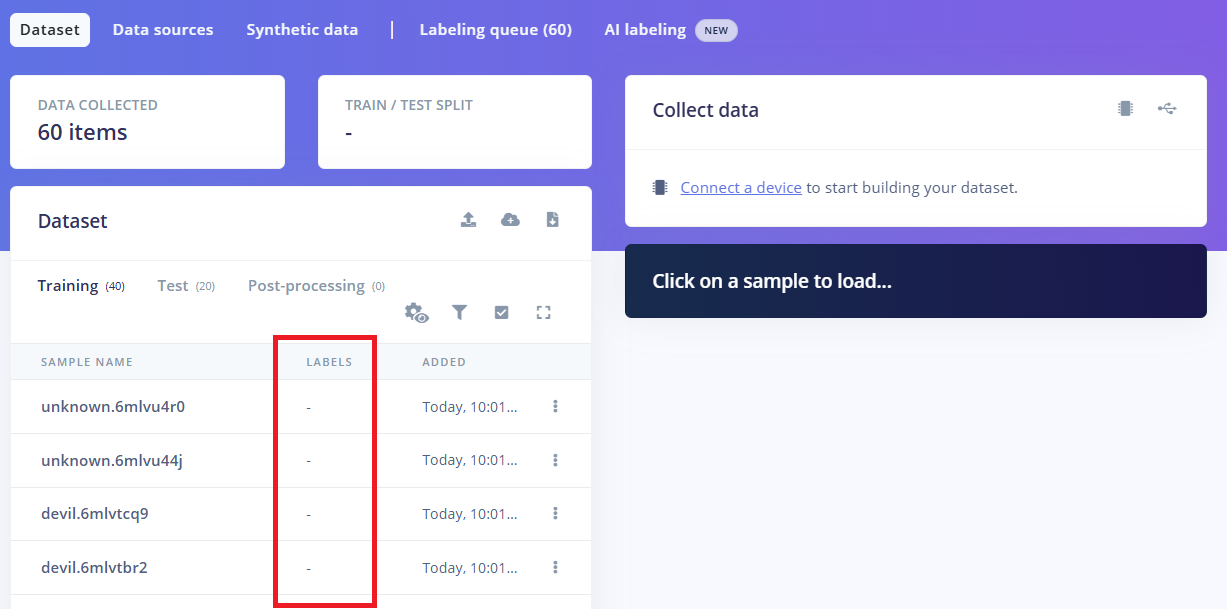
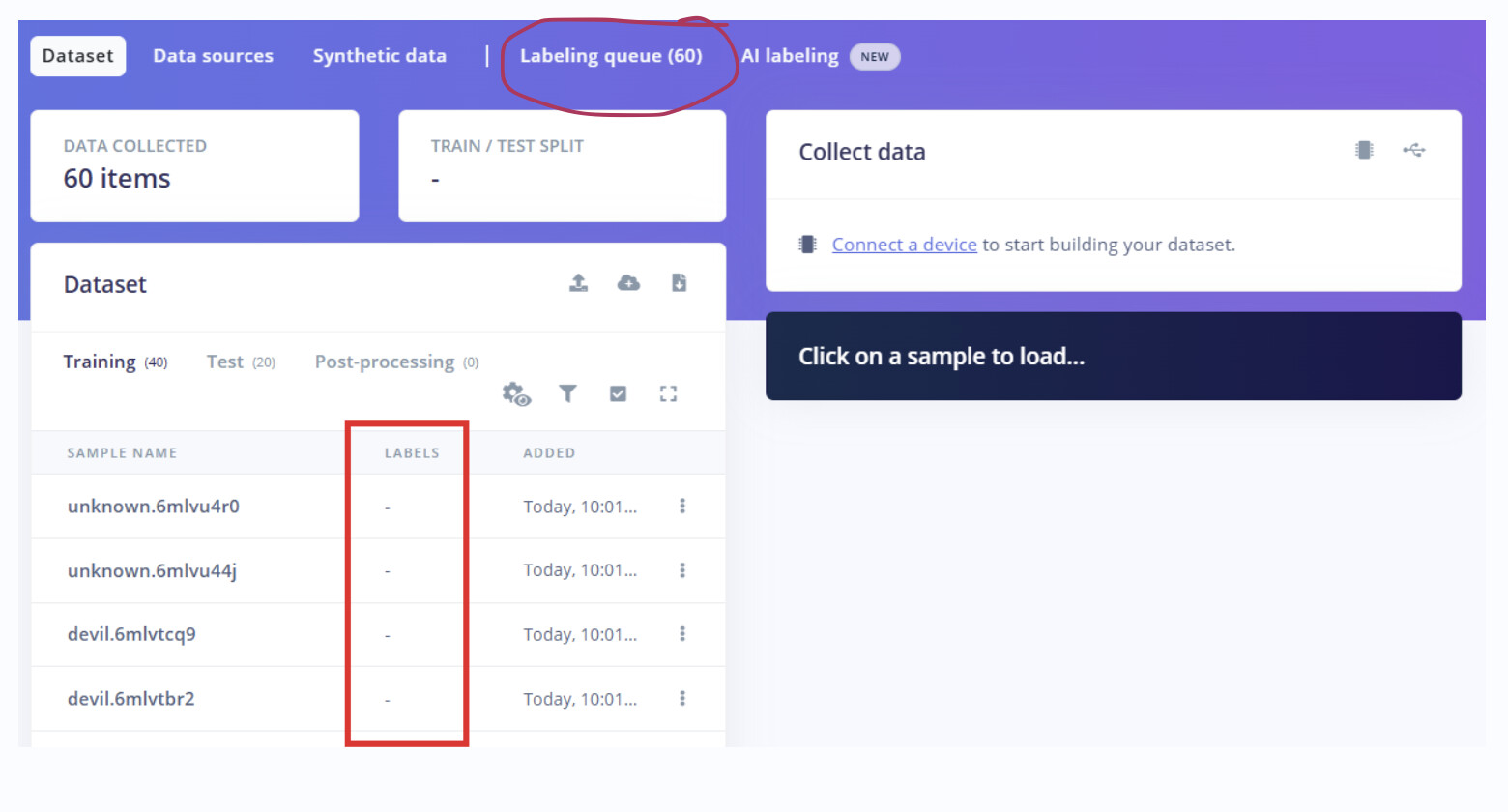
I believe that to perform image classification, I need to upload images and assign labels to them. However, I’m not sure how to add or configure the labels.
I set the labels when capturing images with the smartphone app, but it seems that these labels are not being recognized as labels during transfer learning.
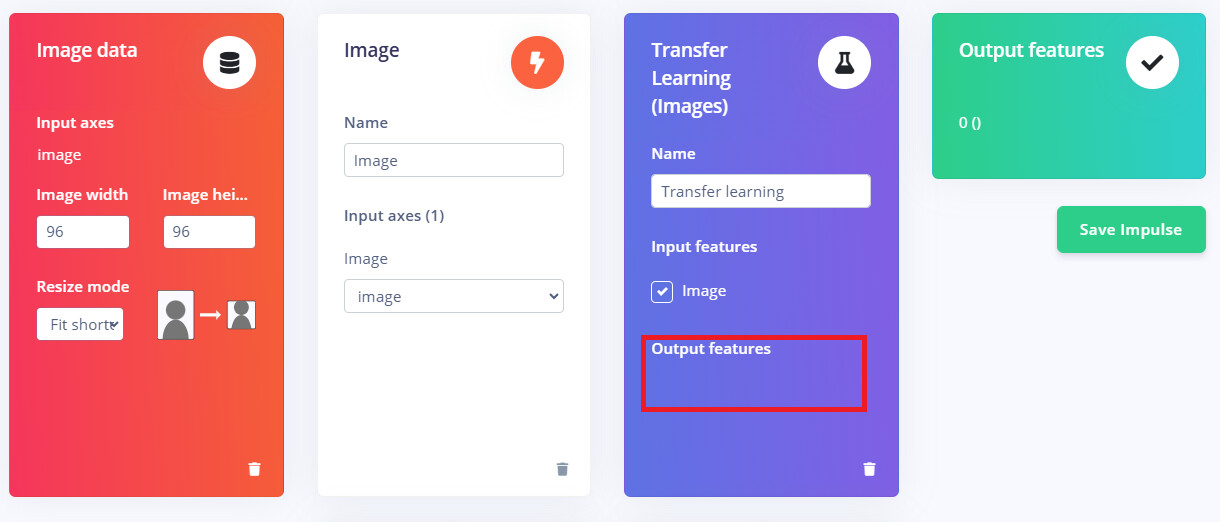
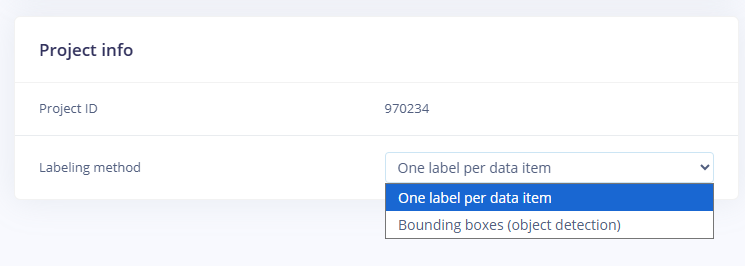
According to this tutorial, there should be a “LABEL” column, but in my dataset I only see a “LABELS” column, which appears to be intended for object detection instead.
How to configure label for image classification?
Project ID:
Context/Use case:
Steps Taken:
Expected Outcome:
Actual Outcome:
Reproducibility:
- [x] Always
- [ ] Sometimes
- [ ] Rarely
Environment:
Logs/Attachments:
Additional Information: