Question/Issue:
a couple of months ago I invested a lot of time and effort into training a dataset for the Grove, which had previously been successful with much larger models (YOLO, DETR etc.)
However, no matter what knobs I twiddled, I couldn’t persuade the toolchain to generate anything other than a tiny (<50kB) model that was uploadable onto the Grove.
Of course it ran like a rocket, but I’d be much more comfortable with the kind of size (and frame rate) of the pre-trained models, 2-3MB.
Any clues how to do this?
Please could you confirm what deployment method you’re trying to use? Our Grove Vision AI V2 standalone firmware should be able to deploy models up to around 1.5MB. If you’re trying to take the WiseEye Ethos library and deploy another way then please let us know and ideally share a project example here so we can advise further.
Its really easy to pick the wrong hardware with some of the devkits for sure!
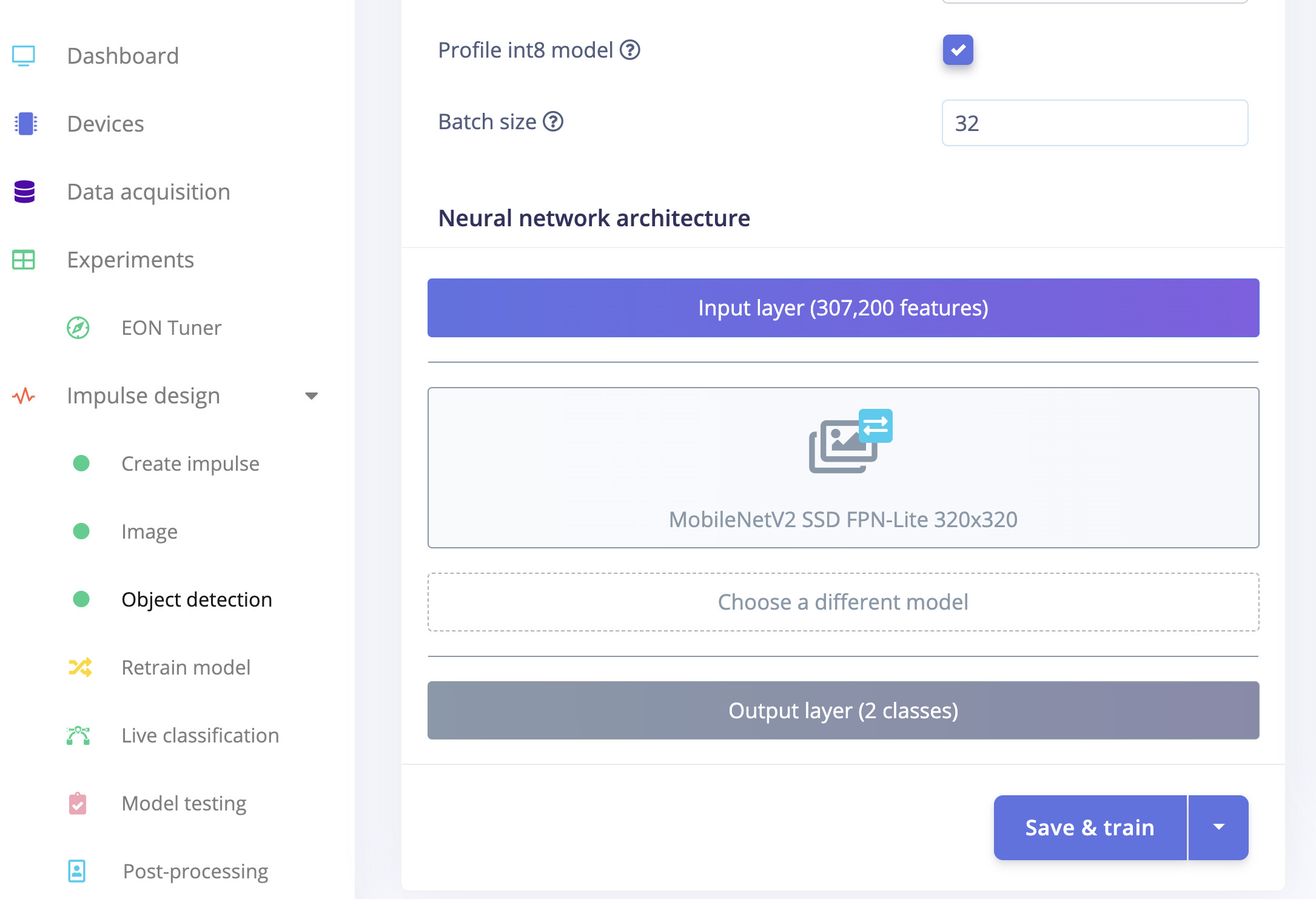
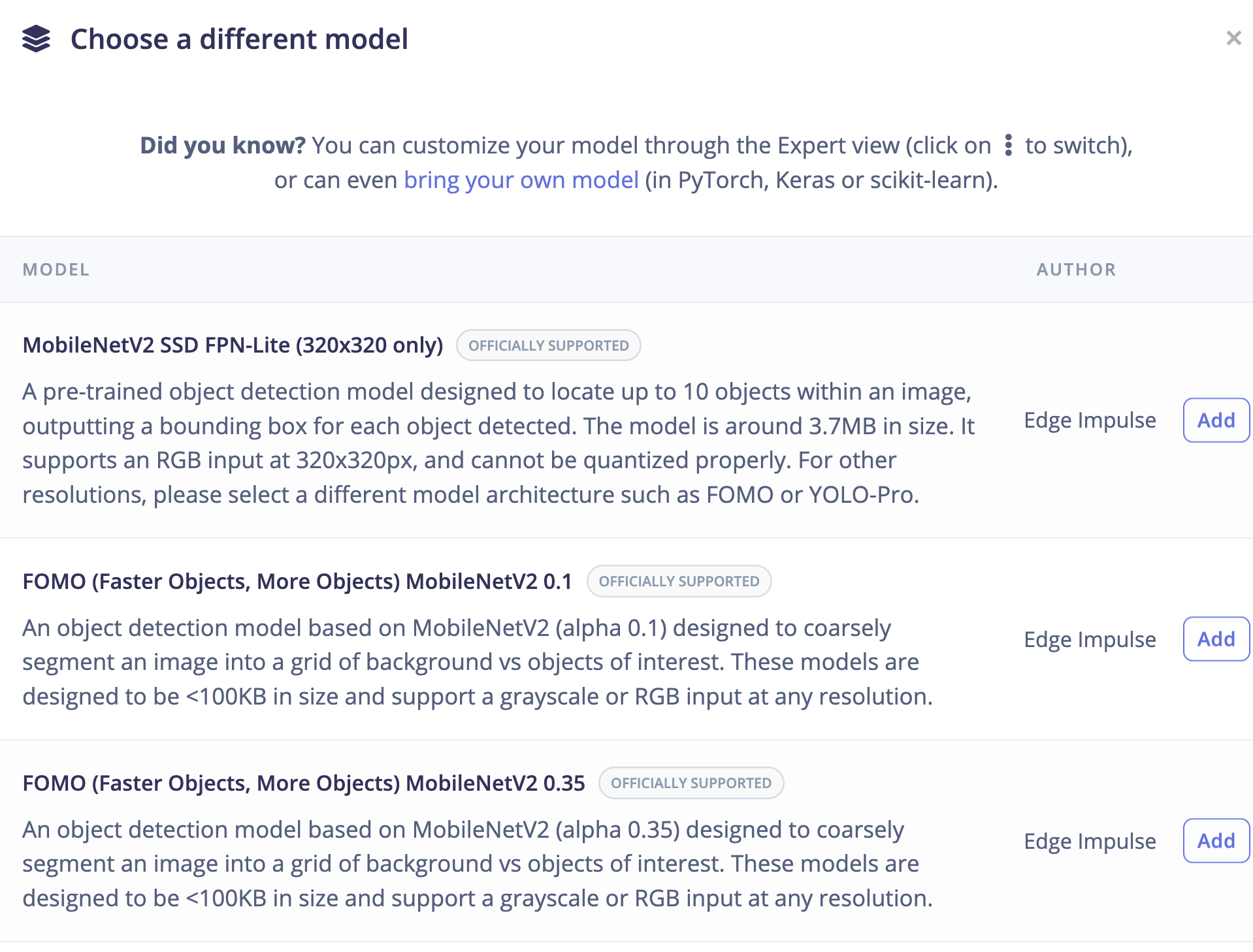
Also maybe they missed the options for model selection here, quantization or image size very hard to tell. Usually its the other way around trying to fit too large of a model on hardware. This expert network project has good detail on experimenting with various backbone options.
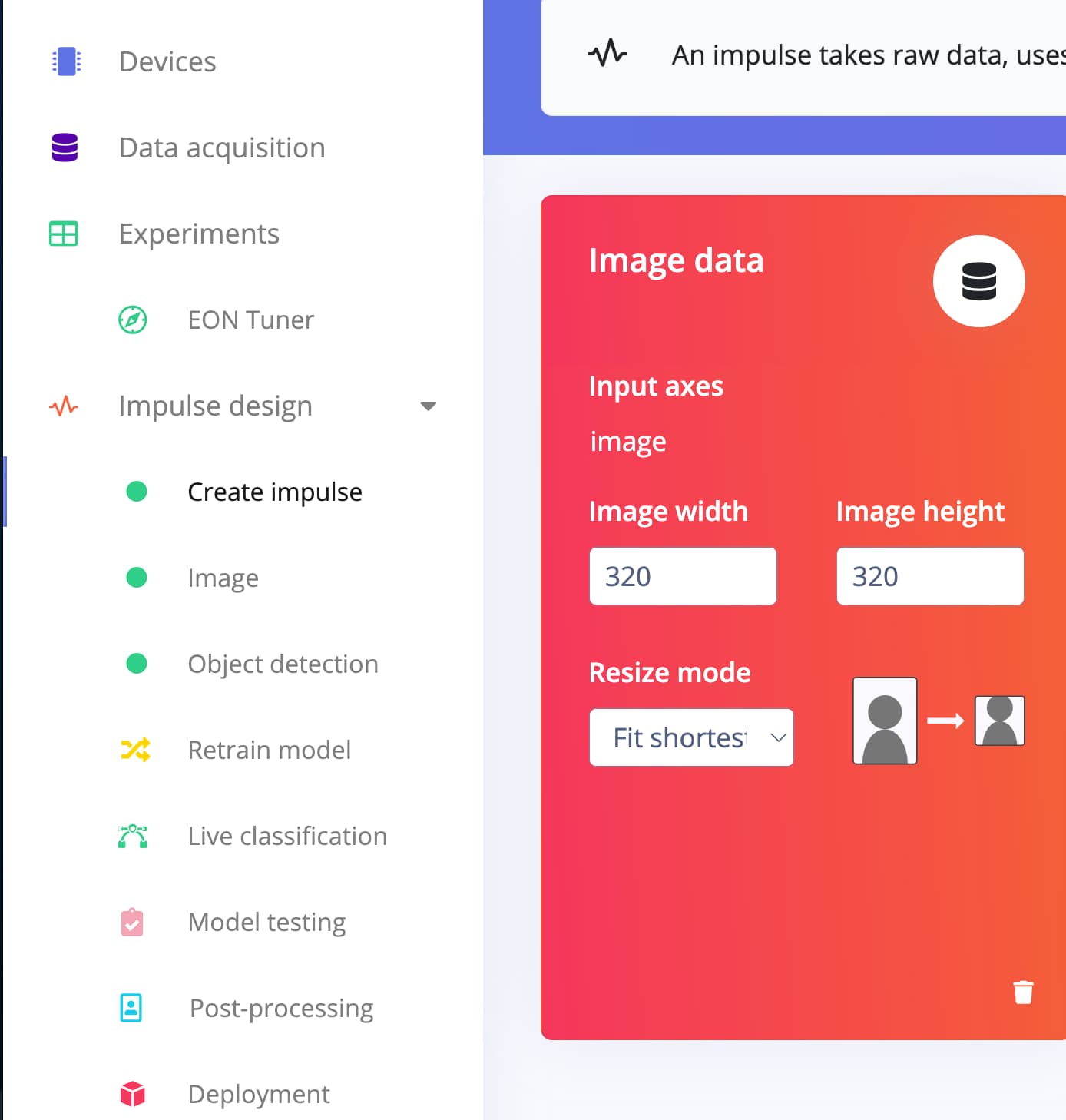
Maybe this is set too small like 64x64 or something: