Question/Issue:
Hey, I trained a FOMO and YOLO Model that work very well, when deployed for Web. But when I deploy the same model with the same camera on my arduino, the accuracy dopps by about 30-40%
Project ID:
[Provide the project ID]
Project ID: 959652
Steps Taken:
Tested diffent models and different configurations. Mostly with the same result.
Tested with different code and different prebuilt examples in app lab.
Hello @ATXXWelli first of all welcome to the Edge Impulse community!
Could you please share more details or specific examples that you see?
When you say deployed for Web, what do you mean? with the same camera connected to your local computer instead of the Arduino UNO Q? Are you running the same application?
Please do share more information and we will help you!
Hi @marcpous ,
After training the object detection model, I hit the “open in Browser” Button on the Deplowment Page and connect my webcam to my laptop. The results look great.
Then I connect the same webcam to my Arduino Uno Q, download the same Model via App Lab and load for example to the “Detect Objects on Camera” example.
I don’t change the position of the cam or of the objects.
When I look at the results of the model there, they look a lot worse. Some Object don’t get recognized at all, others have worse have worse certainty(?) values next to them.
In my understanding I only changed the platform but the test secenario and model stayed exactly the same.
Do you use the same build? Or one model is quantized and the other not?
Thanks for sharing the clarifications!
It’s the same build and I tested both quantizied and unoptimzied (selected at the deployment page) but always with the same for both - no changes in the decrese of accuracy
Hi @ATXXWelli
Welcome to the forum,
I checked your project and saw that the dataset images are captured at 1080×1080, while the Create Impulse settings use 320×320 with Squash.
That means the trained model expects a 320×320 squashed input at inference time. If the UNO Q is instead feeding the model the original capture size, or preprocessing it differently, then there will be an input mismatch, which could explain the drop in accuracy.
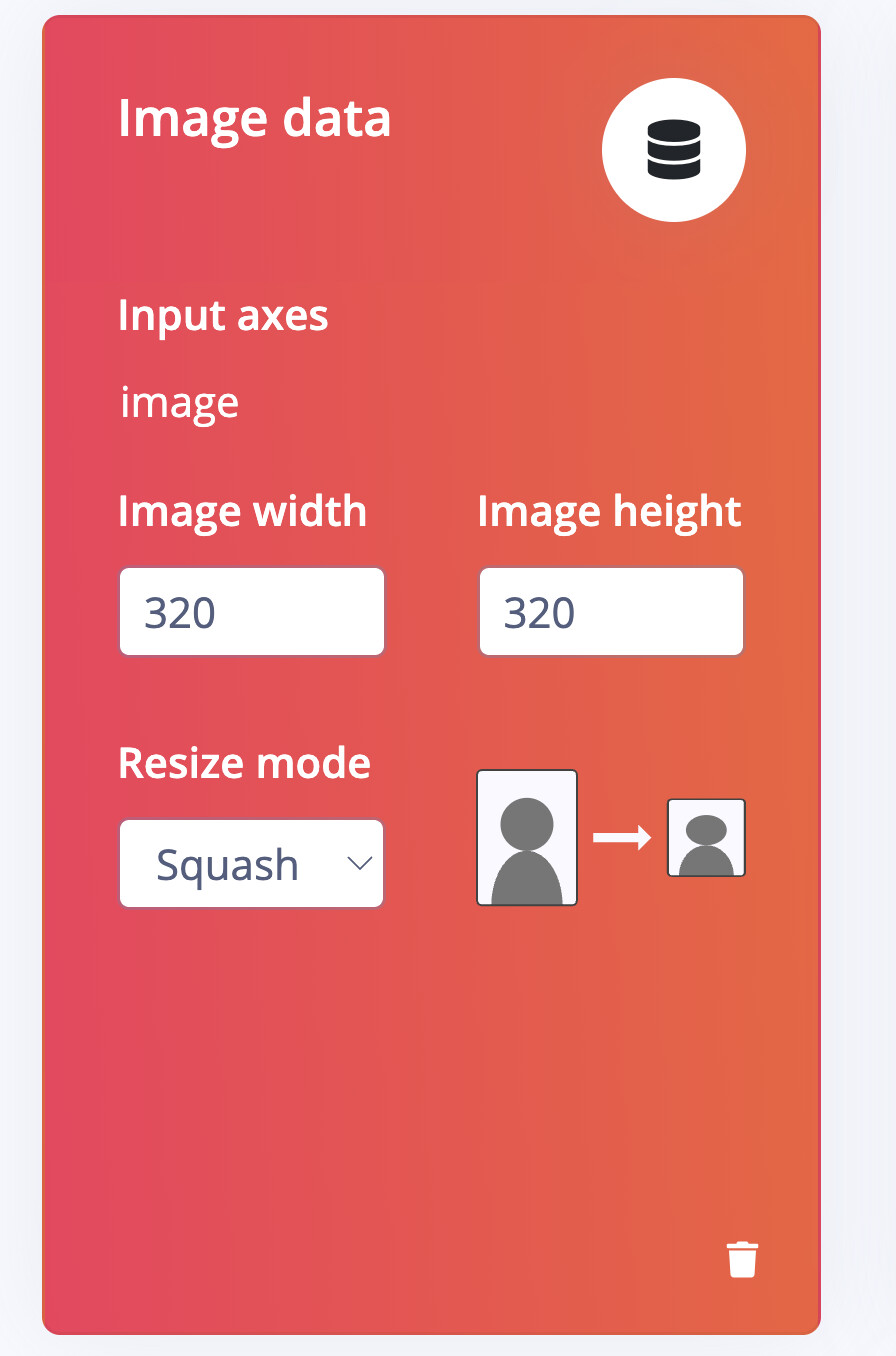
So on UNO Q, please check that the camera pipeline is resizing the image to the same 320×320 squashed format that the model was trained with. @marcpous can help reproducing that part if you get stuck.
There may be more at play here with the Yolo-Pro settings, depending on what size embedding you went with and the constraints of that model, I will need to check that with our solutions team later once we get the sizing right first.
Also I see you are on an enterprise trial do you have a solutions engineer or sales rep to contact, can you share their name and we will add them to this thread?
Best
Eoin
Thanks for the fast and detailed help! Changing from squash to fit shortest axis fixed most of my problems!
1 Like